

Customize Branding
Choose how your chain appears to your users in your Conduit Explorer and the Conduit app.
Customization options
If you don’t add a dark mode logo, Conduit Explorer uses the default logo in both modes. The icon doesn’t require a dark mode version because it appears only in the Conduit app.
Steps
Customizations can take 5-10 minutes to appear.
Discoverable chains and verified status
To display your chain on the Conduit Hub and to show up on the Conduit nodes endpoints list, set your chain’s discoverability settings to Discoverable.
After you set your chain to discoverable, customize the preceding settings, and verify your organization, request verification for your chain from the Conduit team.
Steps
Under the discoverability section, set your chain to Discoverable
This marks your chain as discoverable and displays it on the Conduit Hub and in Conduit nodes.
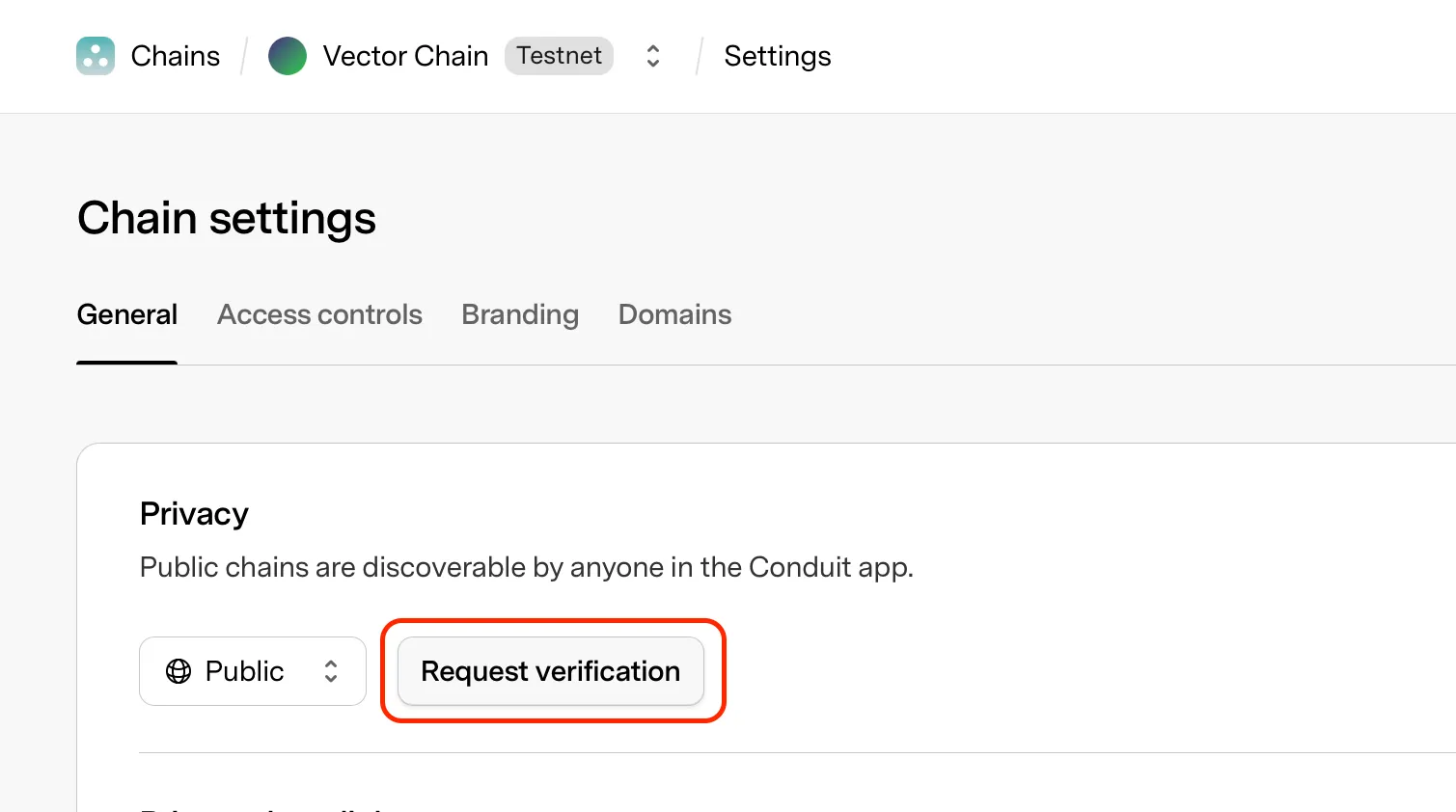
Verification can take some time.